Watch as Remote Control
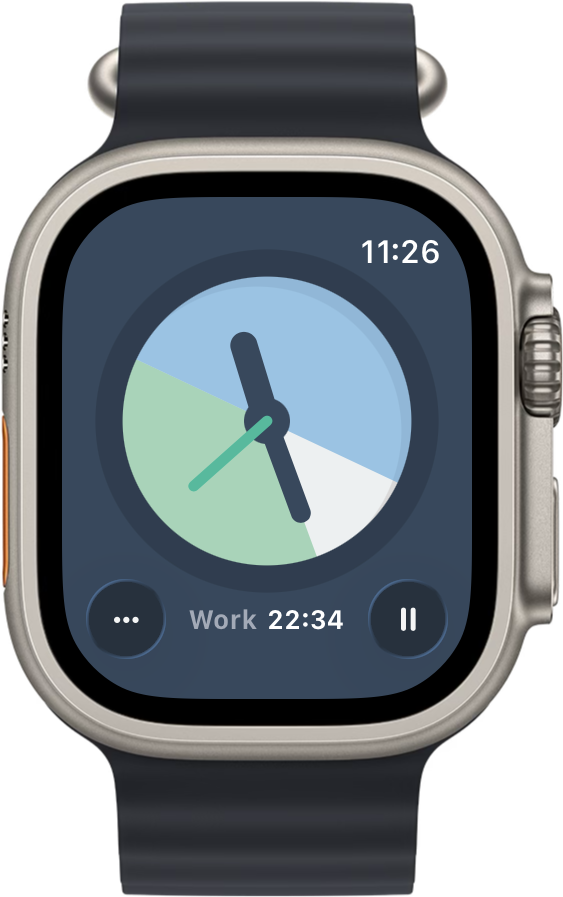
- Start, pause, resume, and stop cycles directly from your wrist.
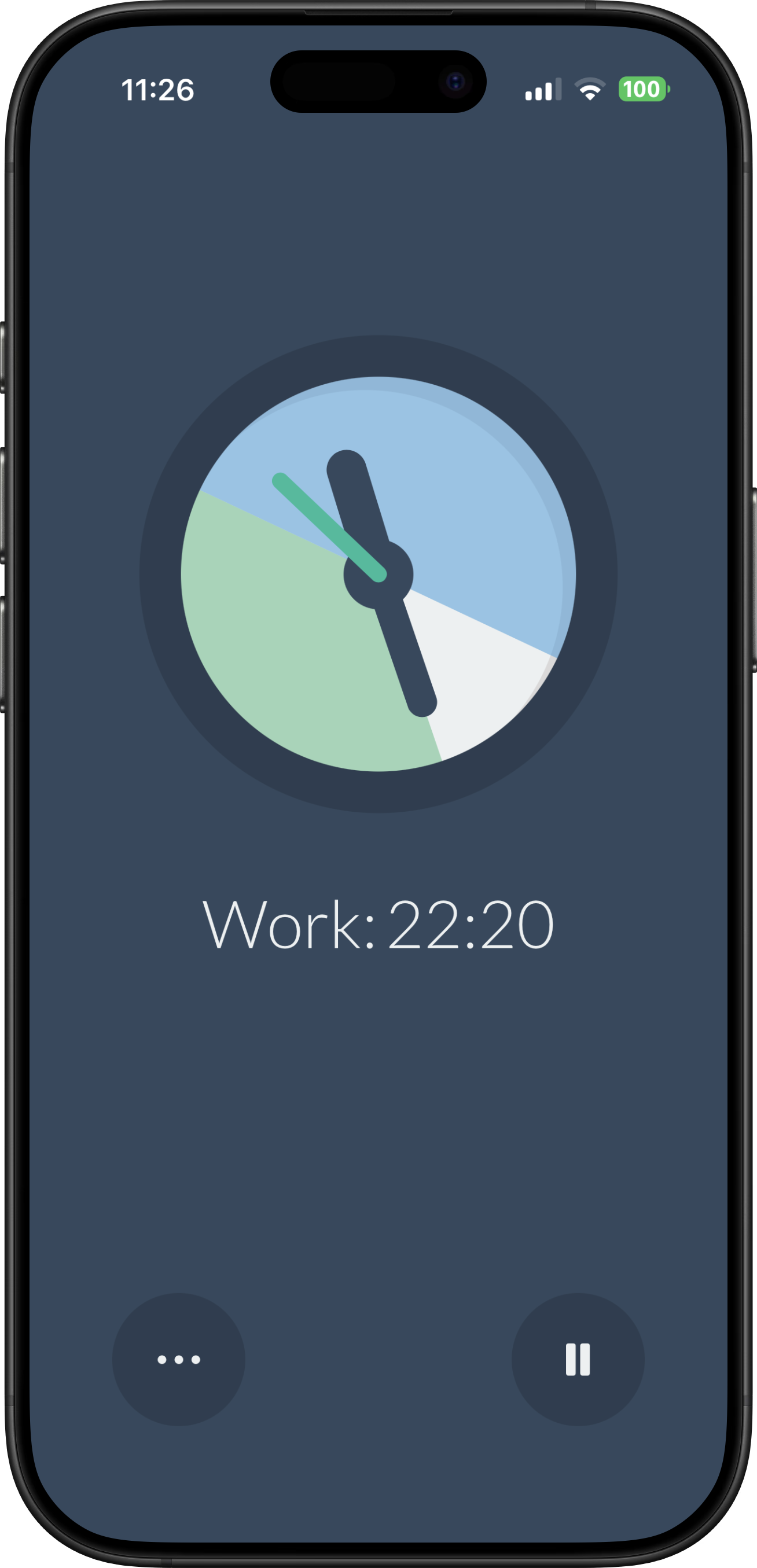
- The Watch displays your current cycle phase and countdown in real-time.
- Add complications to your watch face to see cycle progress at a glance. A circular complication shows a progress ring, and a corner complication adds a countdown arc.
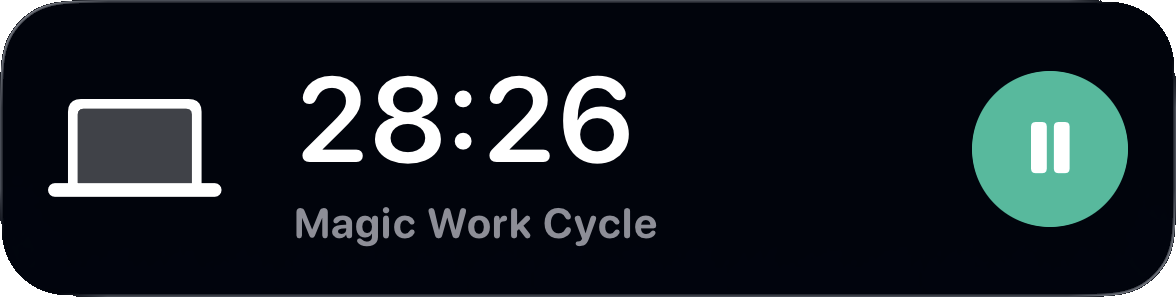
- When your phone is locked, alarm notifications appear on your Watch automatically when a cycle ends.
Works Without the App
Once a cycle is started, the iPhone app can be closed. Alarms are managed by the system and will fire regardless. When the alarm appears on your Watch, tap "Next Cycle" to continue; this works even if the iPhone app isn't running.
Away From Your Phone
Going for a walk during your break? Leave your phone at your desk. The Watch will notify you when it's time to return to work. Tap "Next Cycle" to start your next work session remotely.
If your phone is out of range, the Watch app will continue to work and fall back to local notifications. When the connection is restored, the devices automatically sync.
Credits
The Magic Work Cycle productivity technique was introduced by Chetan Surpur.